


Important Data Entry Insight
Many beginners believe data entry is simply typing information into a spreadsheet. In reality, professionals spend just as much time organizing, checking, and validating data to ensure every record is accurate and easy to use.
Professional data entry relies on a variety of software tools designed to collect, organize, edit, and verify information. Choosing the right tool depends on the type of work, but understanding the purpose of each one helps you work more efficiently.
Common data entry tools include:
- Microsoft Excel – Organizes, sorts, filters, and analyzes spreadsheet data.
- Google Sheets – A cloud-based spreadsheet ideal for team collaboration.
- Microsoft Word – Used for formatting documents and entering structured text.
- Google Forms – Collects data directly from users into spreadsheets.
- CRM Systems – Store customer information and business records.
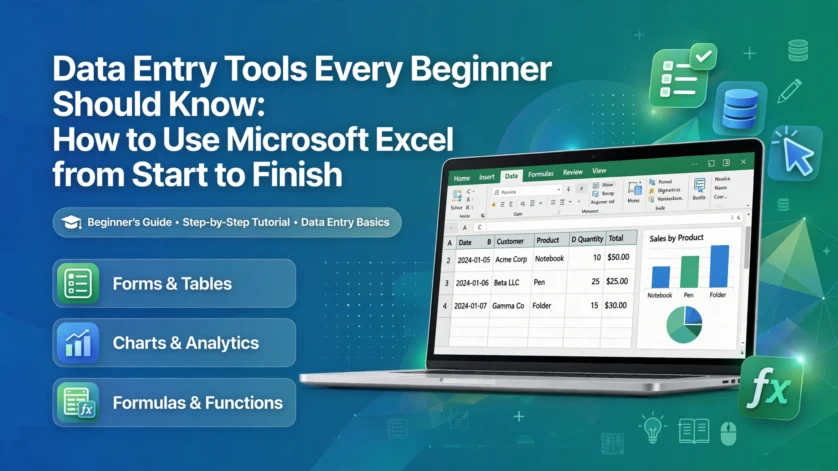
Among these tools, Microsoft Excel remains one of the most widely used because it allows professionals to manage thousands of records accurately.
Using Microsoft Excel: A Beginner Workflow
- Open Microsoft Excel and create a new blank workbook.
- Enter column headings in the first row such as Name, Email, Phone, and Country.
- Enter one record per row beneath the headings.
- Adjust column widths so every value is visible.
- Use the Format as Table feature to make the dataset easier to read.
- Enable the Filter option to quickly find specific records.
- Save the workbook using a clear file name such as Customer_List.xlsx.
- Review every entry before sharing or submitting the file.
Following the same workflow every time reduces mistakes and creates consistent, professional spreadsheets.
Senior Data Professional Insight
Beginners often focus on entering information as quickly as possible. Experienced professionals focus first on creating a clear structure, using consistent formatting, and reviewing every record before considering the task complete. Accuracy, consistency, and organization are what make data valuable to a business.
Our training emphasizes structured thinking rather than memorizing software features. By understanding how data flows through a business process, learners develop professional habits that improve accuracy, reduce errors, and prepare them for real workplace responsibilities. Every exercise is designed to strengthen systematic workflows, careful verification, and dependable data management practices.
Want to become a professional data entry specialist?
Join the Data Entry Training & Certification Community where beginners learn real data workflows, spreadsheet systems, and remote work skills step-by-step.
Join the WhatsApp Training GroupUnderstanding structured data thinking is what transforms simple typing into professional data work.
Most data entry mistakes happen because structure is never explained clearly. Building consistent workflows with the right tools creates confidence, improves quality, and prepares beginners for real-world data entry tasks.